From invite
to first set.
You're joining a small test group shaping Tolfi before public launch. Five steps between you and a coach on your wrist — here's exactly what happens, and when.
Apple-only for now — Tolfi runs on iPhone and Apple Watch. Other platforms are on the roadmap.
Request your invite
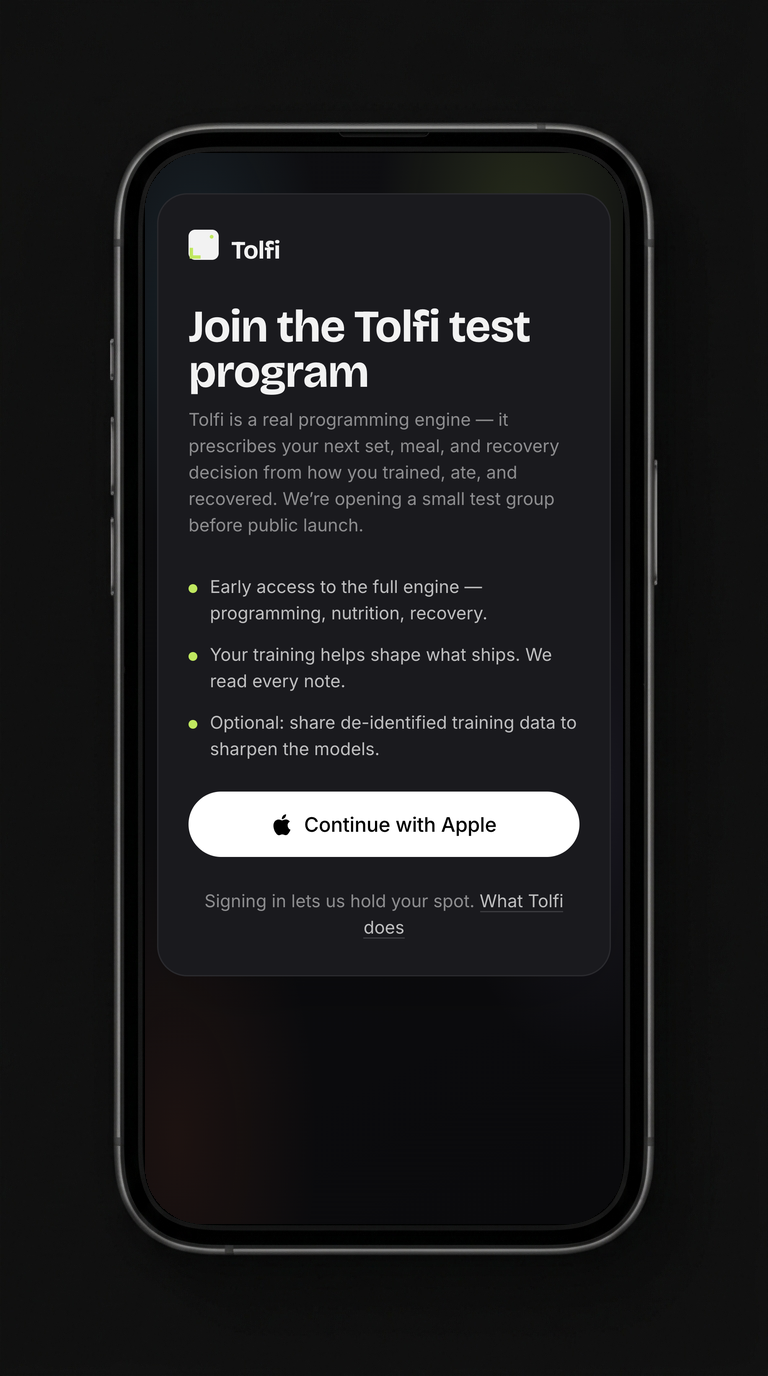
Head to the join link, tap Continue with Apple, and answer a few quick questions about how you train. That's the whole application.
Your spot is held the moment you sign in — no forms to babysit.
A human approves you
No bots, no auto-accept. We're keeping the group small on purpose, so approvals go out in waves. There's nothing you need to do while you wait.
Watch for the TestFlight email
Tolfi ships through TestFlight — Apple's official beta program. Your invite arrives as an email from Apple, with a subject like …invited you to test Tolfi.
It goes to the email on your Apple ID. If it's not in your inbox, check Spam and Promotions — Apple's emails land there more often than you'd think.
Tim Meintjes has invited you to test the beta version of Tolfi.
View in TestFlightYours will look like this — tap the blue View in TestFlight button when it arrives.
Get TestFlight, then get Tolfi
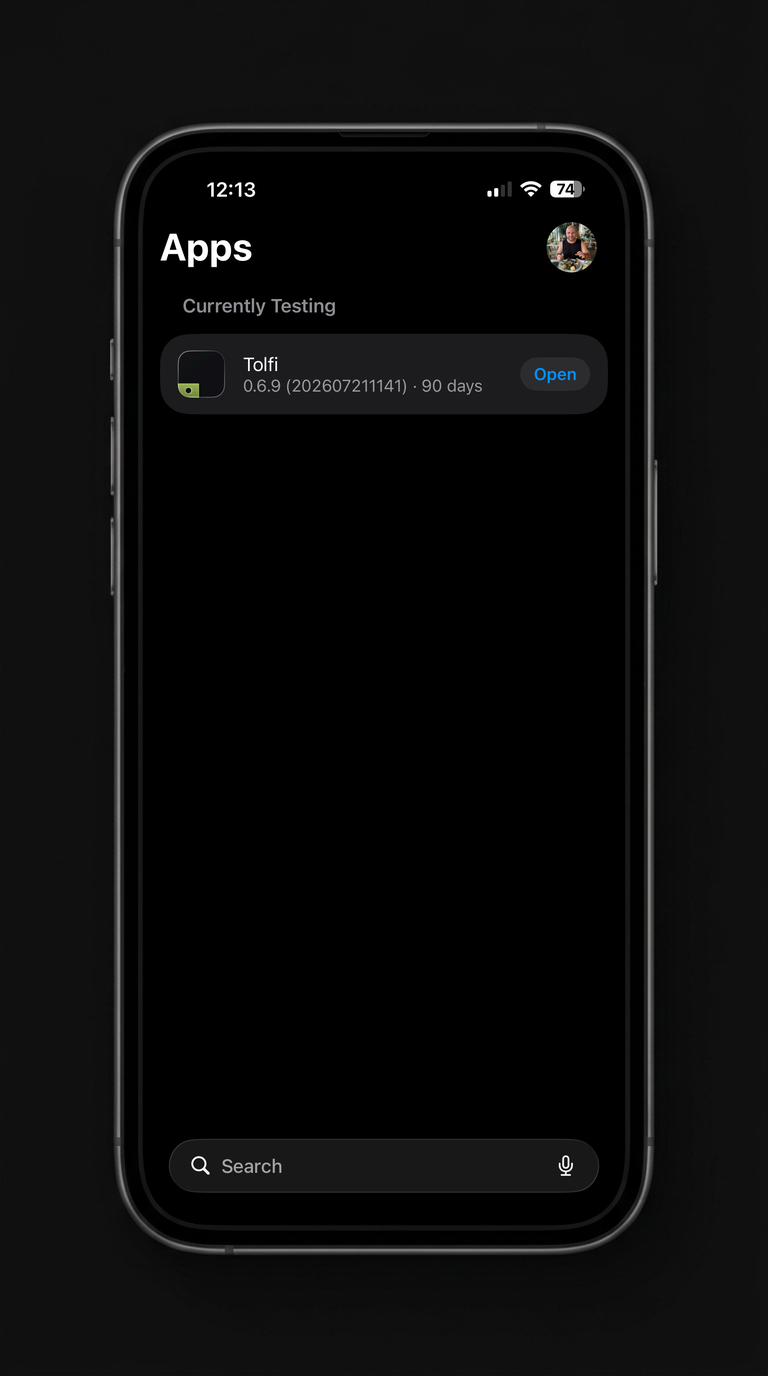
Install the free TestFlight app from the App Store if you don't have it. Then open Apple's email, tap View in TestFlight, and hit Install. Tolfi appears on your home screen like any other app.
This is what you're aiming for — Tolfi under Currently Testing, ready to open.
Sign in, put on the watch, train
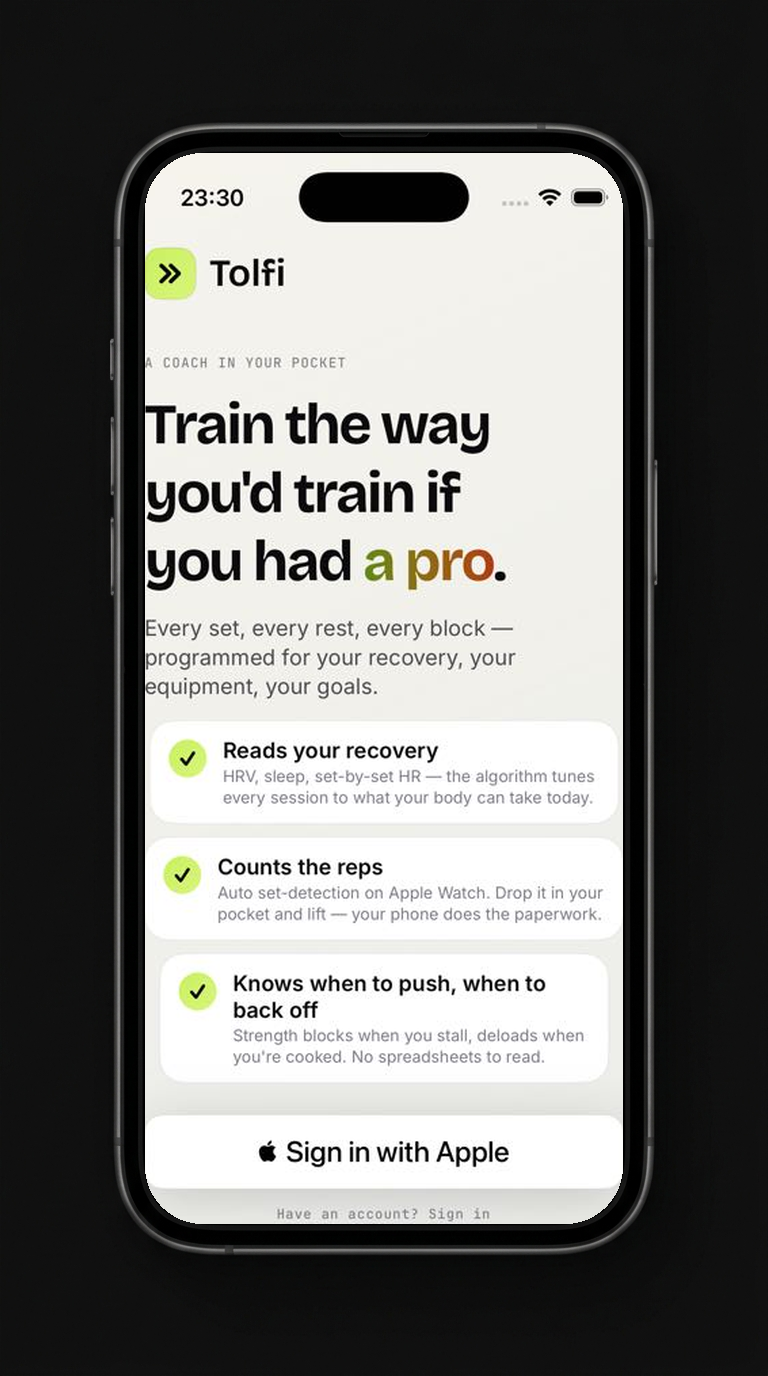
Open Tolfi and tap Sign in with Apple — the same account you applied with. The watch app rides along automatically; if it doesn't show up, open the Watch app on your iPhone and install Tolfi under Available Apps.
The watch matters: set detection, rest timing, and your next prescription live on your wrist, in the set.
How long is the wait?
Days, not weeks. Approvals go out in waves as we open capacity. You'll hear from us either way.
What does it cost?
Nothing. The full engine — programming, nutrition, recovery — is free for the test group.
What do I need?
An iPhone, and ideally an Apple Watch. The wrist is where Tolfi coaches you mid-workout.
You're shaping what ships.
Found something rough? Screenshot it — TestFlight asks if you want to send it to us. We read every note, and tester feedback decides what gets built next.